Manual work doesn’t look expensive. Until you calculate it.
- Five minutes to update CRM.
- Ten minutes to send invoices.
- Fifteen minutes to notify accounts.
- Another follow-up email.
- Another status update.
- Multiply that by 40–50 deals per month.
- Now multiply that by your team size.
- That’s where productivity silently disappears.
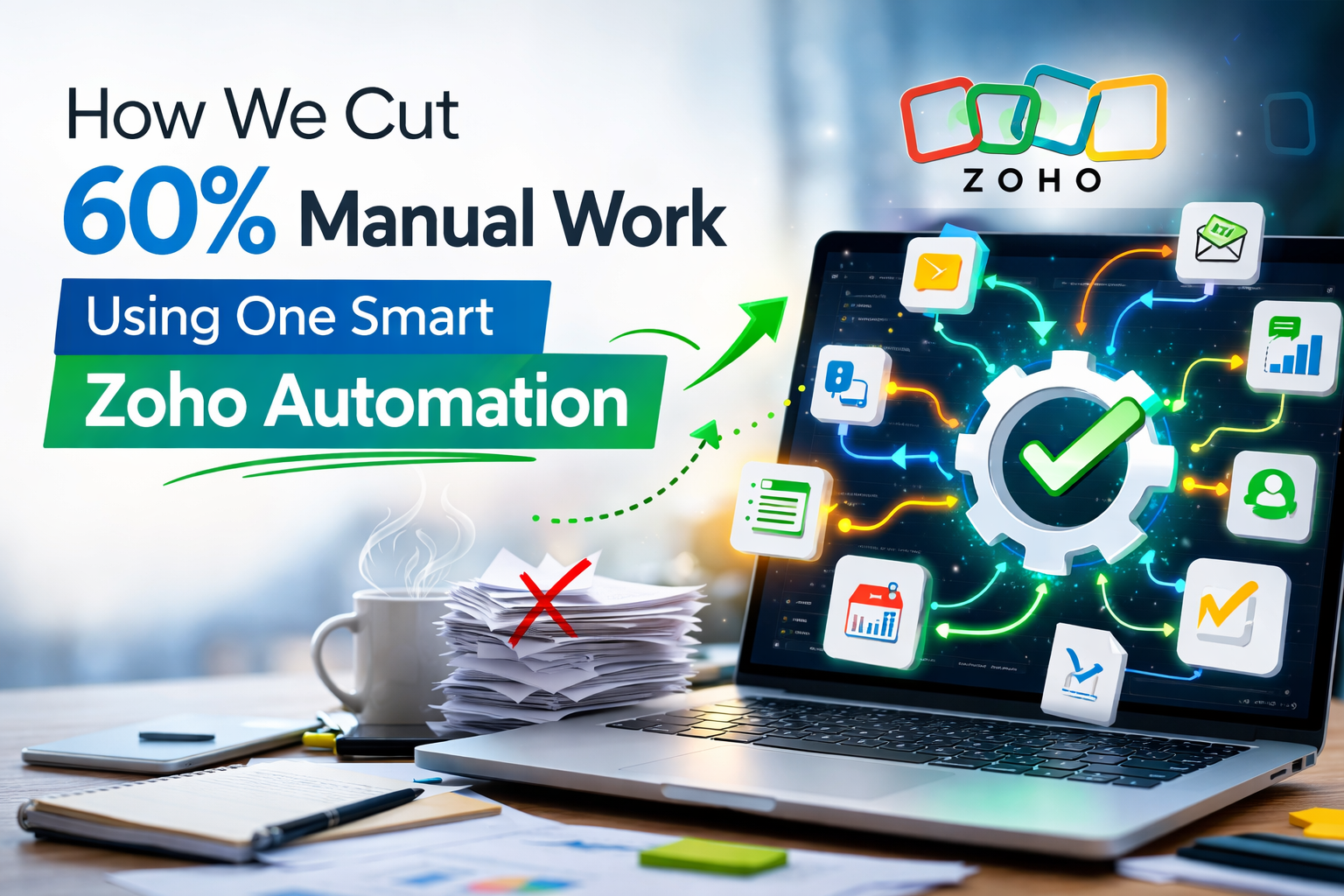
- This is exactly what we solved using one smart automation inside the Zoho ecosystem.
The Problem: Too Many Micro-Tasks
The client (a growing service-based company) was using:
- CRM for managing leads
- Books for invoicing
- Email for communication
- Excel for internal tracking
On paper, everything was “working.”
In reality:
- Sales had to inform accounts manually after closing a deal
- Accounts generated invoices manually
- Payment follow-ups were tracked separately
- Support onboarding started late
- Management reports were prepared weekly by exporting data
Nothing was broken. But everything was slow.
Where the 60% Manual Work Was Hiding
We mapped the workflow and found:
- 5 manual actions per closed deal
- 3 follow-up reminders done manually
- 2 duplicate data entries across systems
That’s 10 manual actions per deal.
With 80 deals per month, that’s 800 repetitive tasks.
And none of them required human intelligence. Only system coordination.
The Simple Automation That Changed Everything
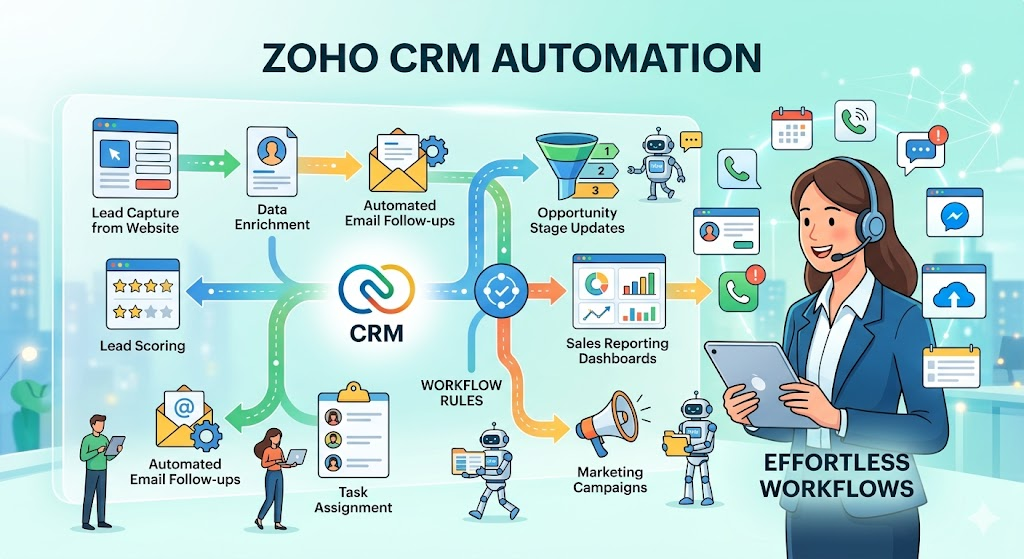
Instead of adding more tools, we restructured the workflow inside:
- Zoho CRM
- Zoho Books
- Zoho Desk
- Zoho Flow (for orchestration)
Here’s what we implemented:
Step 1: Deal Closure Trigger
When a deal status changes to “Closed Won” in CRM:
- Customer record syncs with Books
- Invoice auto-generated using predefined template
- Payment terms auto-attached
Step 2: Accounts & Operations Alert
- Automated notification sent to finance
- Task auto-created for onboarding team
- Project template auto-cloned in Zoho Projects
Step 3: Payment Tracking Automation
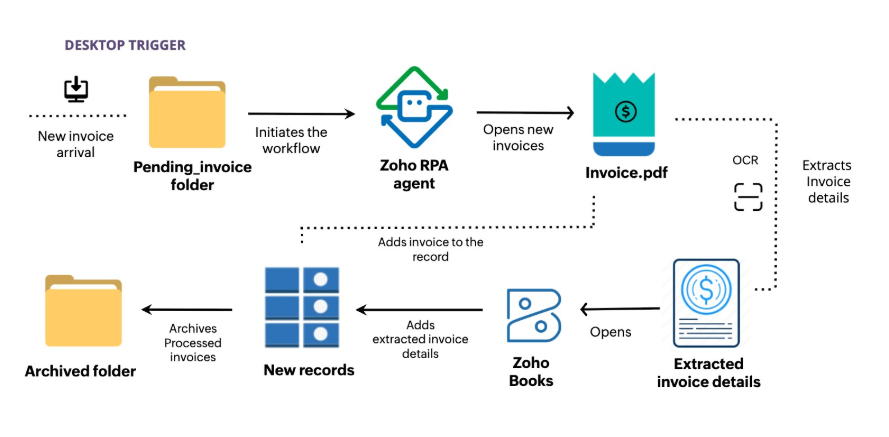
- If payment not received in X days, reminder email auto-sent
- Status updated in CRM timeline
- Escalation rule triggers after defined delay
No manual coordination. No WhatsApp messages saying “Invoice sent?” No Excel sheet tracking.
The Results (Within 45 Days)
- 60% reduction in manual admin work
- 35% faster invoicing cycle
- Zero missed onboarding steps
- Real-time visibility for management
- Improved client experience
But the biggest impact? The sales team stopped doing admin work. And started focusing on revenue.
Why This Worked
Because automation wasn’t random. It was:
- Process-mapped first
- Role-structured
- Cross-application
- Designed around outcomes
Most businesses try to automate tasks. We automated the workflow. There’s a difference.
The Real Lesson
Manual work often hides in transitions:
- Sales → Finance
- Finance → Operations
- Operations → Support
If these transitions aren’t automated, your team becomes the integration layer.
And humans are the most expensive integration tool.
Final Thought
You don’t always need complex coding. You don’t need 10 new apps.
Sometimes, one well-designed automation inside Zoho can:
- Reduce workload
- Increase speed
- Improve visibility
- Boost profitability
If your team is spending more time updating systems than serving customers, the problem isn’t manpower.
It’s workflow design!