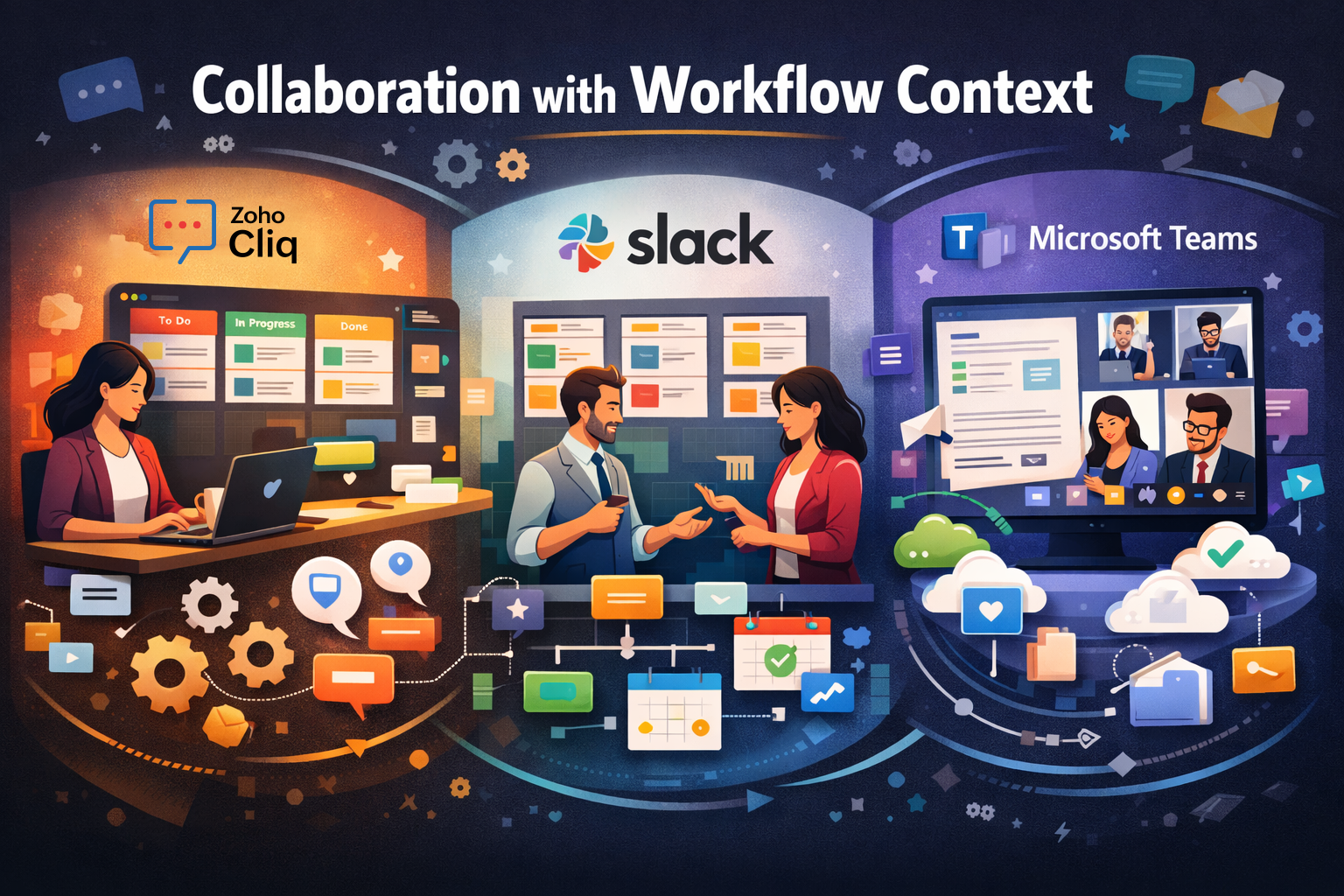
Modern collaboration tools aren’t just chat rooms with file sharing. They are the digital hallways where decisions are made, approvals are pushed, deals are closed, and projects either move forward or stall.
When comparing Zoho Cliq, Slack, and Microsoft Teams, the real differentiator isn’t emojis, threads, or video quality.
It’s workflow context.
Let’s explore how each platform supports (or complicates) contextual collaboration and what that means for growing businesses.
Workflow context means conversations are not isolated from action.
It’s the difference between:
Contextual collaboration reduces:
Now let’s see how each platform approaches this idea.
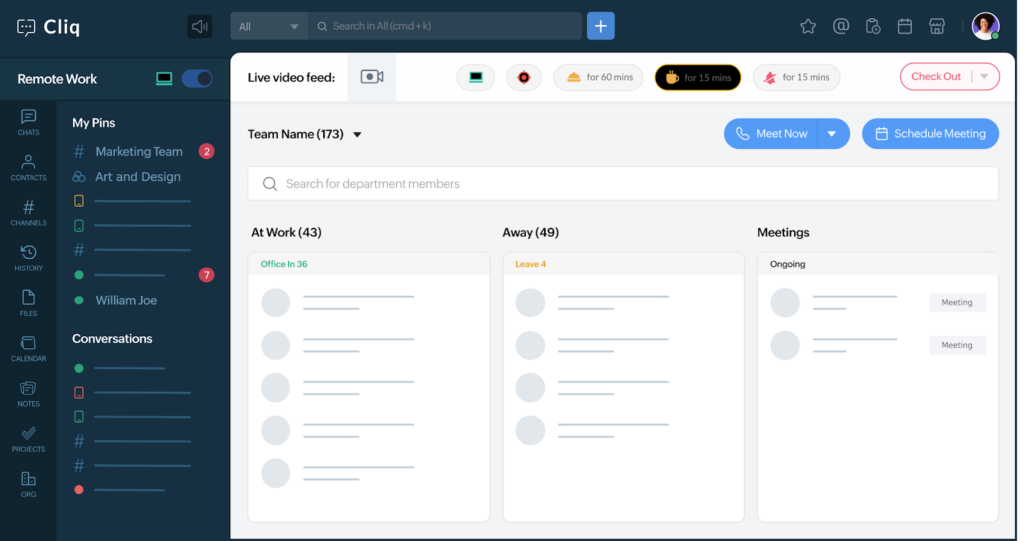
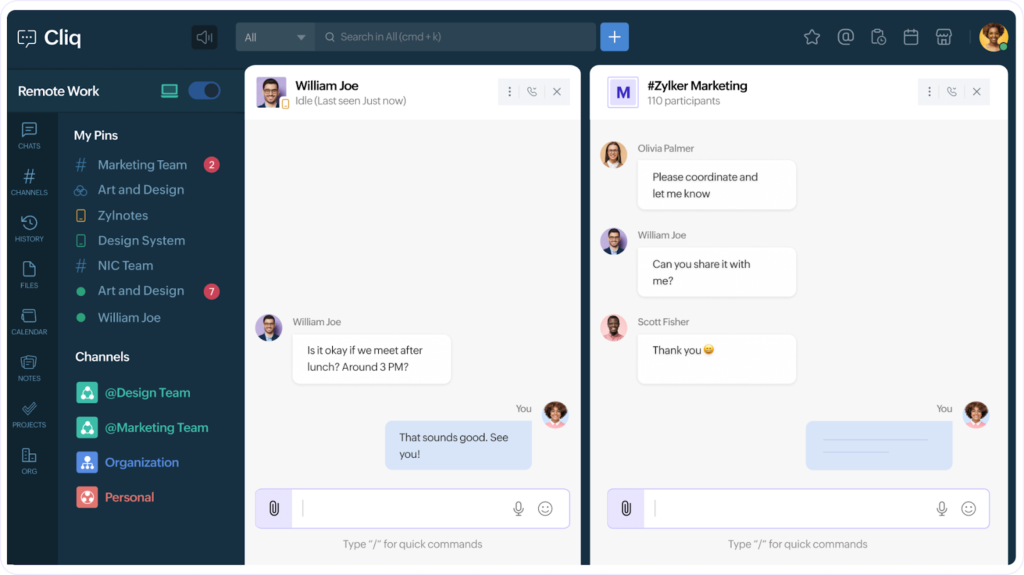
Zoho Cliq was designed as part of the broader Zoho ecosystem. That matters.
1. Native Workflow Automation
Instead of simply notifying users about changes, Zoho Cliq often allows action within the chat interface itself.
2. Structured Conversations
3. Customization for SMBs
Zoho Cliq feels less like a generic communication tool and more like a business operations layer—especially for companies already using Zoho’s stack.
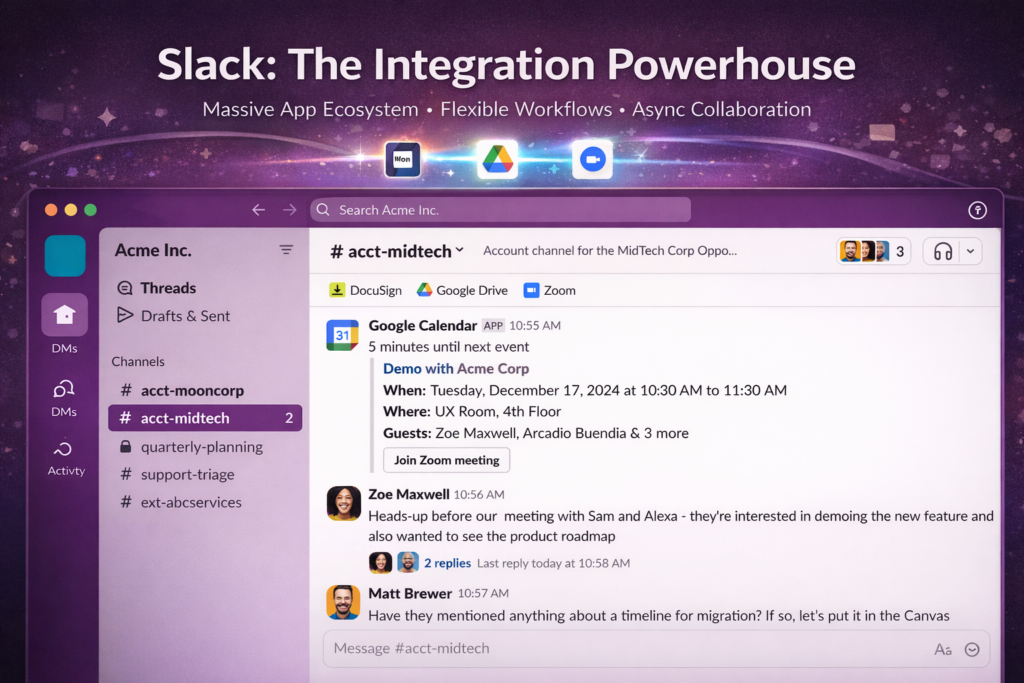
Slack is widely regarded as the pioneer of modern workplace chat.
Its strength lies in flexibility.
1. Massive App Ecosystem
Slack connects to almost everything but often relies on external apps to complete workflows.
2. Asynchronous Culture
Slack’s threading and channel culture supports distributed teams effectively. It’s optimized for clarity in high-message environments.
3. Workflow Builder
Slack allows simple automation without code but advanced workflows may require third-party tools.
Slack excels in integration breadth, but workflow context sometimes lives across multiple tools rather than inside Slack itself.
You may discuss a task in Slack, update it in another tool, and return to Slack to confirm.
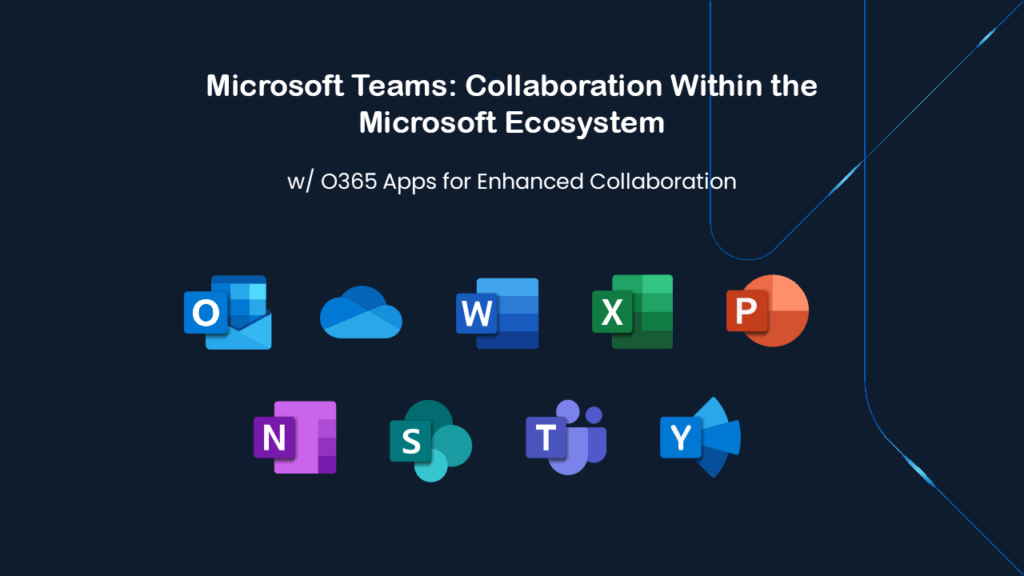
Microsoft Teams is tightly integrated with the Microsoft 365 ecosystem.
For organizations already operating in Word, Excel, Outlook, and SharePoint, Teams acts as a collaboration hub.
1. Enterprise-Level Governance
2. Unified Workspace
3. Structured Enterprise Communication
Teams channels often mirror organizational hierarchies, making it suitable for large corporations.
While powerful, Teams can feel heavy for smaller businesses. Workflow context is strong—but often tied specifically to Microsoft tools.
| Platform | Workflow Depth | Integration Style | Ideal Business Type |
| Zoho Cliq | Native, process-driven | Ecosystem-focused | SMBs, Zoho users |
| Slack | Broad, flexible | App marketplace | Tech & remote teams |
| Microsoft Teams | Enterprise-embedded | Microsoft-centric | Large organizations |
The real question is not: “Which tool has more features?”
It’s: “Where does my team’s work actually live?”
If your workflows already sit inside Zoho apps, Zoho Cliq keeps conversations closest to execution.
If your stack is diverse and evolving, Slack gives you integration freedom.
If your organization runs on Microsoft 365, Teams becomes a natural extension of your digital workplace.
Collaboration tools are no longer just messaging platforms—they are decision engines.
The future of workplace communication is contextual, automated, and embedded into workflows.
Choosing between Zoho Cliq, Slack, and Microsoft Teams isn’t about popularity.
It’s about aligning communication with execution.
And in today’s fast-moving business landscape, that alignment makes all the difference.