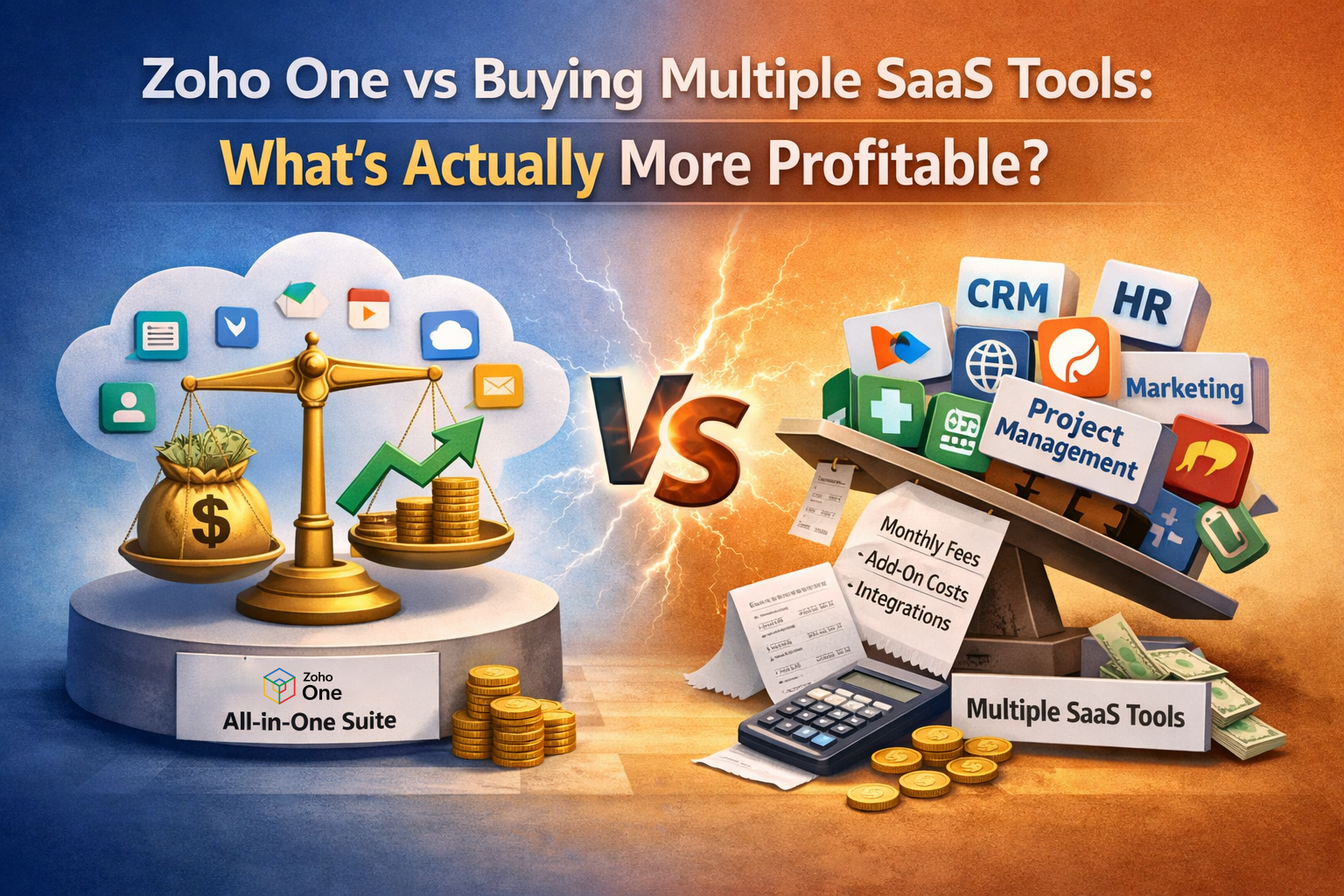
Is it more profitable to buy multiple SaaS tools or to implement Zoho One as an integrated ecosystem?
Let’s break this down practically.

On paper:
Seems manageable, But here’s what most businesses overlook:
APIs, connectors, Zapier subscriptions, custom syncing.
Teams export CSV files just to combine reports.
Each tool automates internally — but not across systems.
The result?
You pay more in inefficiency than in license cost.
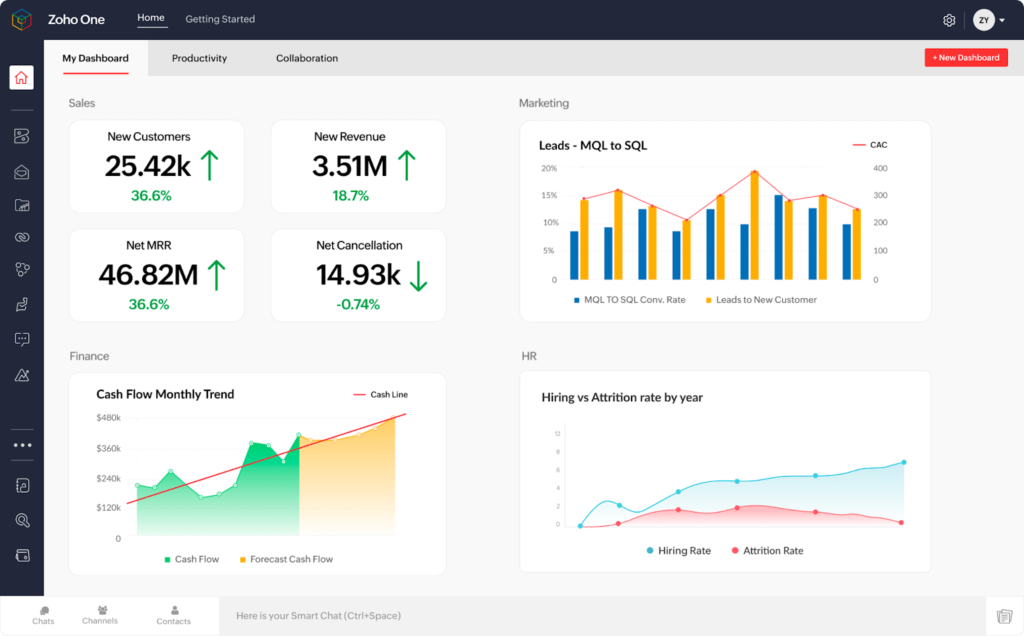
Zoho One isn’t just a bundle of apps.
It’s an operating system for business.
Inside one ecosystem, you get:
All designed to talk to each other natively.
No patchwork integrations.
No third-party connectors.
No fragile automation chains.
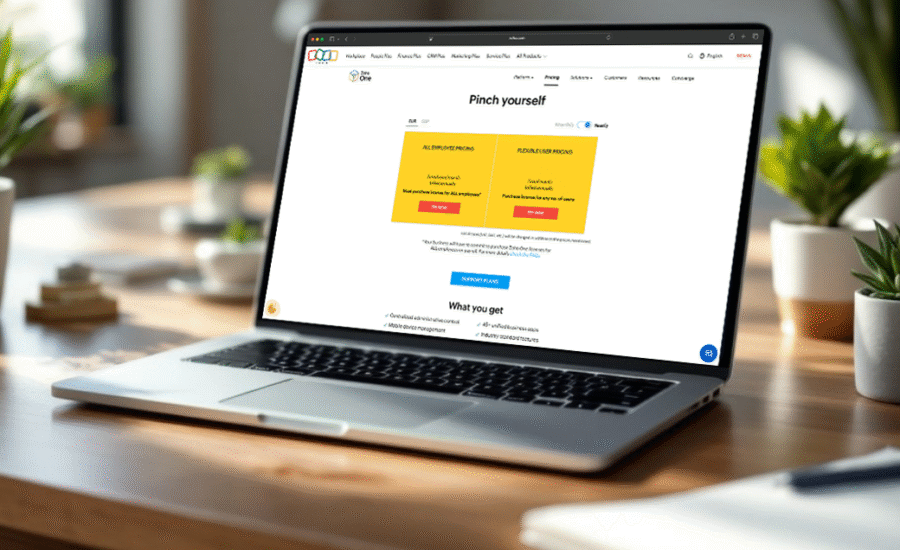
Let’s compare:
| Factor | Multiple SaaS | Zoho One |
| Monthly Cost | Variable & Rising | Fixed per user |
| Integration | Paid & complex | Native |
| Automation | Tool-level only | Cross-app |
| Data Visibility | Fragmented | Unified |
| Scalability | Expensive | Unified |
The biggest difference?
Cross-Application Automation.
Example:
Lead closes in CRM →
Invoice auto-generated in Books →
Payment status updates deal →
Support onboarding ticket auto-created in Desk →
Client added to Campaigns.
No manual trigger. No middleware. No dependency.
That’s operational profitability.
Let’s be realistic! If you:
Then separate SaaS tools can work.
But once you:
Fragmented tools become a bottleneck.
Zoho One can also fail if implemented wrongly.
Common mistakes:
Profitability doesn’t come from buying Zoho One. It comes from architecting it correctly.
Most companies underestimate:
A well-structured Zoho One environment becomes an asset. A scattered SaaS stack becomes technical debt.
If you want:
Zoho One wins!
If you prefer:
Multiple SaaS tools can work — temporarily.
Are you building a tech stack?
Or are you building a business operating system?
Because profitability isn’t about saving ₹5,000 per month.
It’s about eliminating inefficiency that costs lakhs per year.

If you’re evaluating your current SaaS structure and wondering whether consolidation makes sense, it may be time to audit your workflow — not just your subscription costs.